What is a habit tracker app?
A habit tracker app records whether you completed a repeated behavior—such as reading, walking, drinking water, or following a morning routine. Over time, the record helps you notice patterns, maintain consistency, and adjust habits that are not working.
Five features that matter
1. Fast daily check-ins
Logging should take seconds. If completing a habit creates extra work, tracking itself becomes the habit you are most likely to quit.
2. Flexible schedules
A useful daily habit tracker should also handle behaviors that happen only on certain weekdays or several times per day. Your routine should shape the schedule—not the other way around.
3. Reminders you control
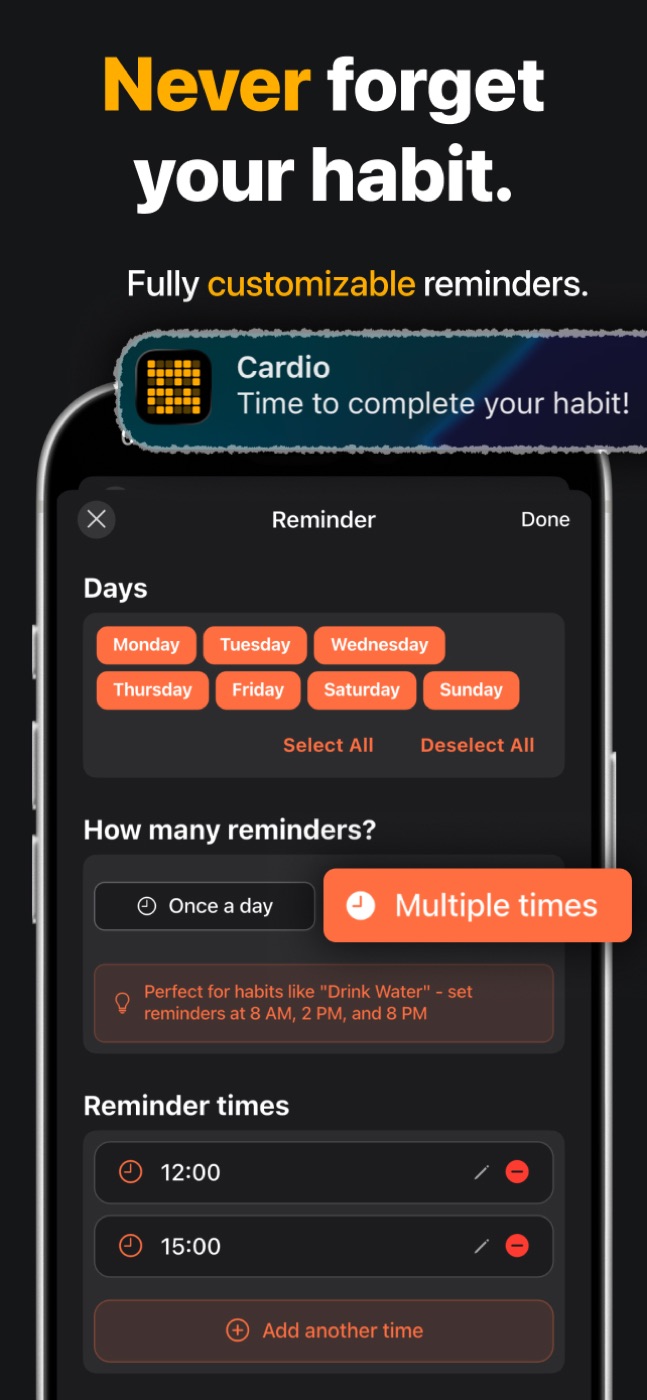
Notifications are most useful when they arrive near the moment you can act. Look for custom days, times, and frequencies instead of a single generic reminder.
4. Progress beyond a streak
Streaks can motivate, but one missed day should not erase the larger pattern. Weekly consistency, completion history, and time-of-day patterns give a more useful view of progress.
5. A clear view of your routine
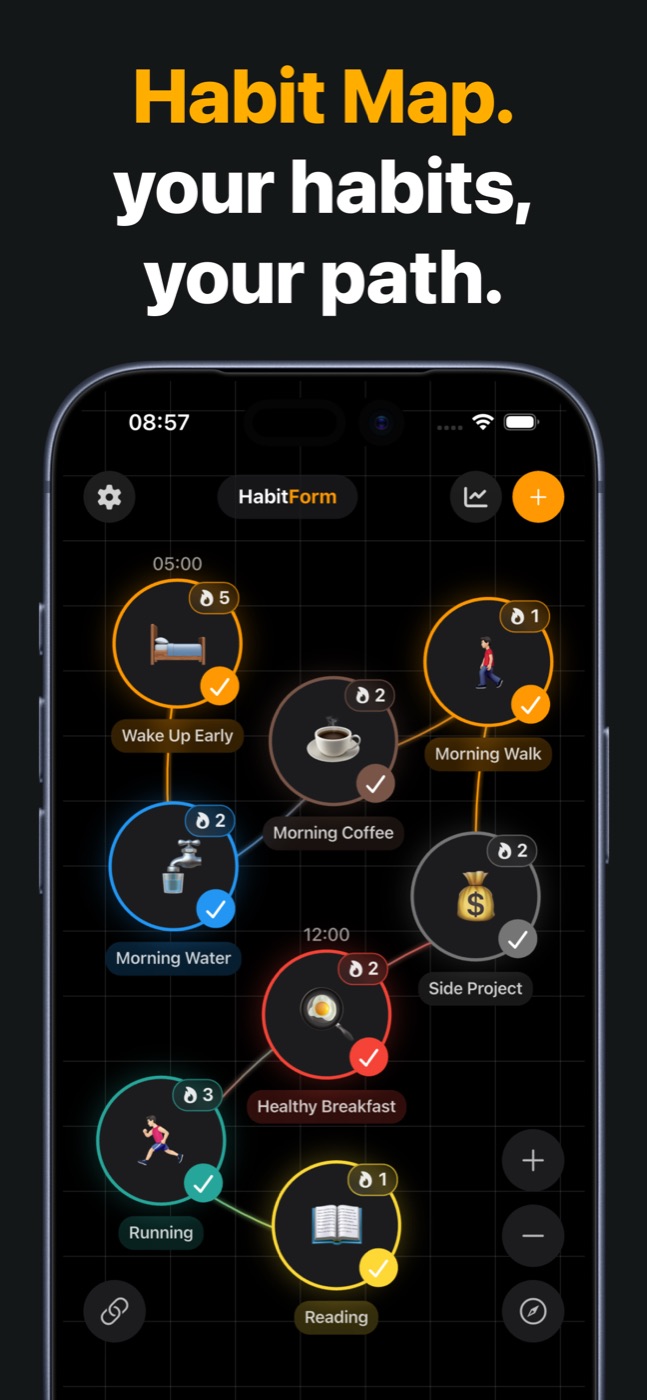
A list tells you what to do. A routine view can also show order and context: what happens before a habit, what triggers it, and where a new behavior naturally fits.
Is a free habit tracker enough?
A free habit tracker app is enough to test whether the workflow fits you. Start with two or three habits, use the tracker for a full week, and only then decide whether deeper insights or customization would be useful.
Habit tracker vs. routine planner
A habit tracker measures repeated behavior. A routine planner organizes when several actions should happen. If you only need to mark isolated habits complete, a simple tracker is enough. If one action cues the next—coffee, reading, planning, then work—a visual routine view makes the sequence easier to understand and adjust.
What to compare before choosing an app
| Question | Why it matters |
|---|---|
| Can I log a habit in one tap? | Extra friction makes daily use less likely. |
| Can schedules vary by day? | Real routines are not always seven days a week. |
| Can I review more than streaks? | Consistency and history survive an occasional miss. |
| Can I see habit order and cues? | Context helps a new behavior fit into your day. |
| Is it available on my phone? | HabitForm is available for both iPhone and Android. |
Try a habit tracker for seven days
Do not migrate an entire life plan on day one. Add two habits, set only the reminders you genuinely need, and check in for one week. At the end of the week, ask whether logging felt easy, whether the schedule matched reality, and whether the progress view helped you make a decision.
Start smaller than you think
- Choose one behavior you can complete in under two minutes.
- Attach it to a reliable moment in your existing day.
- Track it immediately after completion.
- Review your pattern after seven days, not after one imperfect day.
Try a visual daily habit tracker
HabitForm combines one-tap tracking, flexible reminders, streaks, formation insights, and a visual Habit Map. It is available for iPhone and Android.


Keep reading
- Habit formation calculator: estimate your timeline
- Habit stacking: meaning, formula, and 30 examples
- How long does it take to form a habit?
- Visual habit tracker: how a habit map shows your routine
Published August 13, 2026 · Updated September 22, 2026 · HabitForm